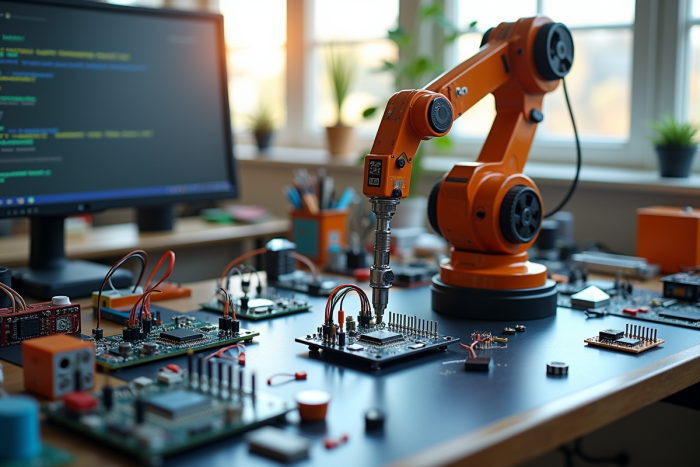
No law requires you to choose an Arduino board to start in robotics, but most hobbyist projects rely on it. Manufacturers are nonetheless multiplying alternatives, from budget clones to specialized models, blurring the lines for beginners.
Robotics kits rarely come complete: omitted sensors, incompatible motors, or incomplete documentation often complicate the learning process. In the face of this diversity, an informed choice of components and resources determines the success of the first assemblies.
How to choose your development board and the key elements of an Arduino robotics kit?
Finding the ideal development board for an Arduino robotics project is neither a matter of luck nor following the latest trend. Open source provides solid foundations: access to schematics, abundant documentation, and above all, an active community ready to answer any questions. It’s better to opt for a compatible Arduino board, well-documented and widely tested, like the Arduino Uno or the Gertduino, a variant tailored for robotic applications (for more details, see “Gertduino: Arduino development board for robotics projects – Tic et Net”).
A robotics kit is never just a single box: it relies on an assembly of complementary modules. Here are the basic components to start smoothly:
- The development board (Arduino or Arduino compatible)
- Motors (DC motors, stepper motors, servos)
- Sensors (ultrasonic, infrared, gyroscope, accelerometer)
- A chassis and wheels
- Cables and a power module
The choice of an Arduino kit varies according to individual experience and available resources. Beginner packs represent an affordable solution, while more ambitious projects require robust boards and specialized accessories. Before any purchase, take the time to check: technical documentation, compatibility of modules, ease of assembly. Arduino robotics is constantly evolving: prefer scalable kits that can accommodate new sensors or motors, to keep the door open for future improvements.
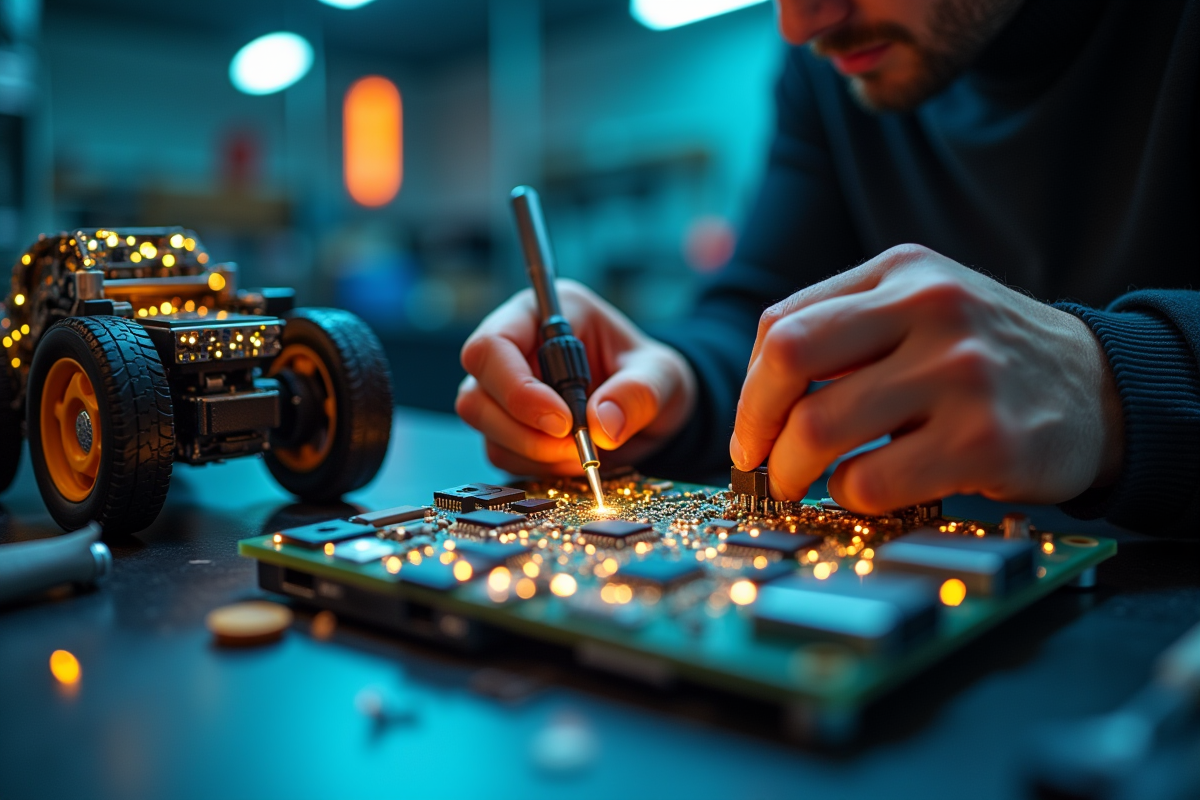
Building and programming your first robot: practical steps, tips, and resources to progress
Discovering Arduino programming no longer requires mastering complex concepts. Install the integrated development environment (IDE), available for free, and connect the Arduino board to your computer. The interface, designed to get to the point, allows you to quickly write your first lines of code: turning on an LED, activating a motor, or querying a sensor. Robotics projects are approached step by step, gradually building each function.
To realize your first robot, start with these key steps:
- Install the sensors on the chassis: line follower, obstacle detector, or gyroscope depending on the project.
- Connect motors and power to the development board.
- Load an example of a line-following robot or a robot car in the IDE, to test the first reactions.
Then modify the parameters to refine the behavior of the programmable robot according to the environment. Test, adjust, repeat. The Arduino language (C/C++) is learned through practice: each loop, each condition, shapes the robot to your idea. Online resources are plentiful: detailed tutorials, step-by-step videos, forums where enthusiasts share experiences and opinions on hardware or programming.
Today, artificial intelligence is making its way into Arduino robotics through ready-to-integrate libraries. Dive into image recognition, explore autonomous navigation, little by little, by adding these software building blocks. Robotic programming is forged through trials, errors, and corrections. Each obstacle overcome nourishes the project, transforming a simple automaton into an evolving robot, reflecting a DIY approach where imagination takes charge.